Guides
How to Make a Habit Tracker (DIY Paper, Sheets & Notion)

Founder of SelfSpark · 15 years exploring self-help & personal growth
Learn how to make your own habit tracker from scratch — by hand on paper, in a spreadsheet, or in Notion. Simple steps, layout templates, and formulas included.
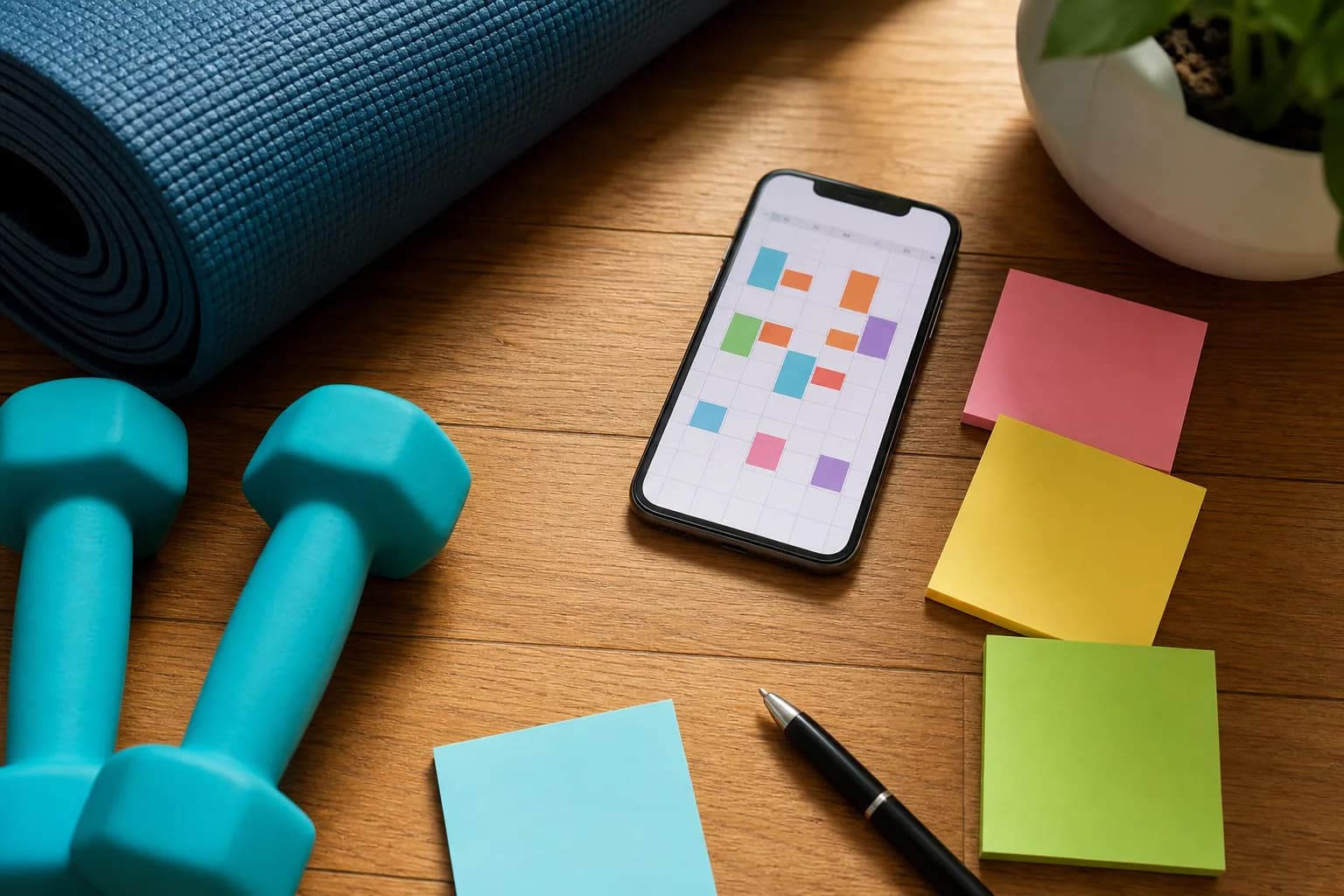
I've made habit trackers in just about every tool there is — ruled paper, graph paper, three different spreadsheets, Notion, and eventually an actual app (that part got out of hand). Here's the thing I wish someone had told me before all of that: a habit tracker is just a grid. Habits down the side, days across the top, a box you fill in. The tool barely matters. What matters is whether you'll still be filling it in next week.
So below are the exact steps for paper, spreadsheets, and Notion — pick whichever has the least friction for you, and don't spend your motivation on the building.
Make a habit tracker by hand (paper)
- Turn a page sideways (landscape) for more day columns.
- List habits down the left — one per row, two or three to start (not the ten I always tried).
- Number the days across the top — 1 to 28/30/31.
- Draw the grid with a ruler so each habit/day has a box.
- Add a key — filled = done, half = partial, blank = missed.
- Add a totals column on the right to count completions.
Don't want to draw it? Print a ready-made grid: the free printable habit tracker PDFs or a bullet journal layout.
Make a habit tracker in a spreadsheet
- Column A: your habits, one per row.
- Row 1: the days, numbered across.
- Mark each completed day with
1orx. - Total each habit with
=COUNTIF(B2:AF2,"x")or=SUM(B2:AF2). - Add a percentage by dividing the total by the number of days.
- Use Conditional Formatting to colour completed cells.
Full walkthroughs: Google Sheets habit tracker and Excel habit tracker.
Make a habit tracker in Notion
- Add a database (
/table). - Make the title column a Date property — one row per day.
- Add a Checkbox property for each habit.
- Add a Formula to total your checkboxes for a daily score.
- Filter a view to
Date is Today.
Step-by-step: Notion habit tracker guide.
Design tips for a tracker you'll keep
Learned the hard way:
- Start small — 3 habits beat 15.
- Keep marking simple — a tick you'll actually make beats an elaborate system you won't.
- Leave room for a "partial" mark so a smaller effort still counts.
- Make it visible — fridge, desk, or home screen. The sight of it is the reminder.
For more layouts, see habit tracker ideas, and to fill it sensibly, habits to track.
The one feature you can't draw
Here's the honest limit of every homemade tracker — and I say this as someone who loves a hand-drawn grid. It can record what you did, but it can't adapt. Every box is the same size whether you're rested or wrecked, and a missed day just leaves a blank. That blank is the exact moment most people stop. It was always my moment.
SelfSpark adds the part you can't draw with a ruler: it's an adaptive habit tracker that suggests a smaller version of a habit on low-energy days and keeps progress visible after a miss, so one bad week doesn't quietly erase a month of effort. Take the habit fit quiz to try it alongside your DIY tracker — they get along fine.
FAQ
How do I make a simple habit tracker?
Draw a grid with habits as rows and days as columns, decide on a marking key, and tick a box each time you complete a habit. A page, a ruler, and a pen are enough.
What's the easiest way to make a digital habit tracker?
Copy a ready-made Google Sheets template — it already has the grid and formulas. Building from scratch in Sheets, Excel, or Notion takes only a few minutes.
What formula totals habits in a spreadsheet?
Use =COUNTIF(range,"x") to count cells marked with an x, or =SUM(range) if you record completions as 1s, then divide by the number of days for a completion rate.
How many habits should my homemade tracker have?
Start with three or fewer. A focused tracker is much easier to keep up than a crowded one, and you can add habits as the first ones become automatic.
Bottom line
Making a habit tracker is just a grid — habits down the side, days across the top — on paper, in a spreadsheet, or in Notion. Don't overbuild it. And for the one thing you can't draw, an adaptive recovery step, try SelfSpark.
How to turn this guide into a habit plan
Read the article once for the idea, then choose one action small enough to do on a busy day. SelfSpark works best when a habit has a full version, a reduced version, and a recovery version. The full version is what you do on a normal day. The reduced version is the smallest useful action when energy is low. The recovery version is what gets you moving again after a missed day without treating the miss as failure.
If this article compares tools, use it to decide what support you need before you pick an app. If it explains a template or habit method, write down the exact trigger, the minimum action, and how you will restart after an interruption. A good habit system should make the next step obvious when you are tired, distracted, traveling, or already behind.
SelfSpark is designed around that kind of recovery-friendly tracking. The quiz helps you choose a first plan, the tracker keeps progress visible, and short journal notes help you learn why a habit slipped so the next plan can adapt instead of becoming another rigid streak.
For the next seven days, treat the habit as an experiment. Keep the target small, write down what made it easier or harder, and adjust the plan based on what actually happened. That feedback loop is usually more useful than a perfect schedule you only follow once.