Guides
How to Set Up a Habit Tracker (Step-by-Step)

Founder of SelfSpark · 15 years exploring self-help & personal growth
A step-by-step guide to setting up a habit tracker that lasts — choose a format, pick your habits, lay out the grid, and add a recovery plan for missed days.
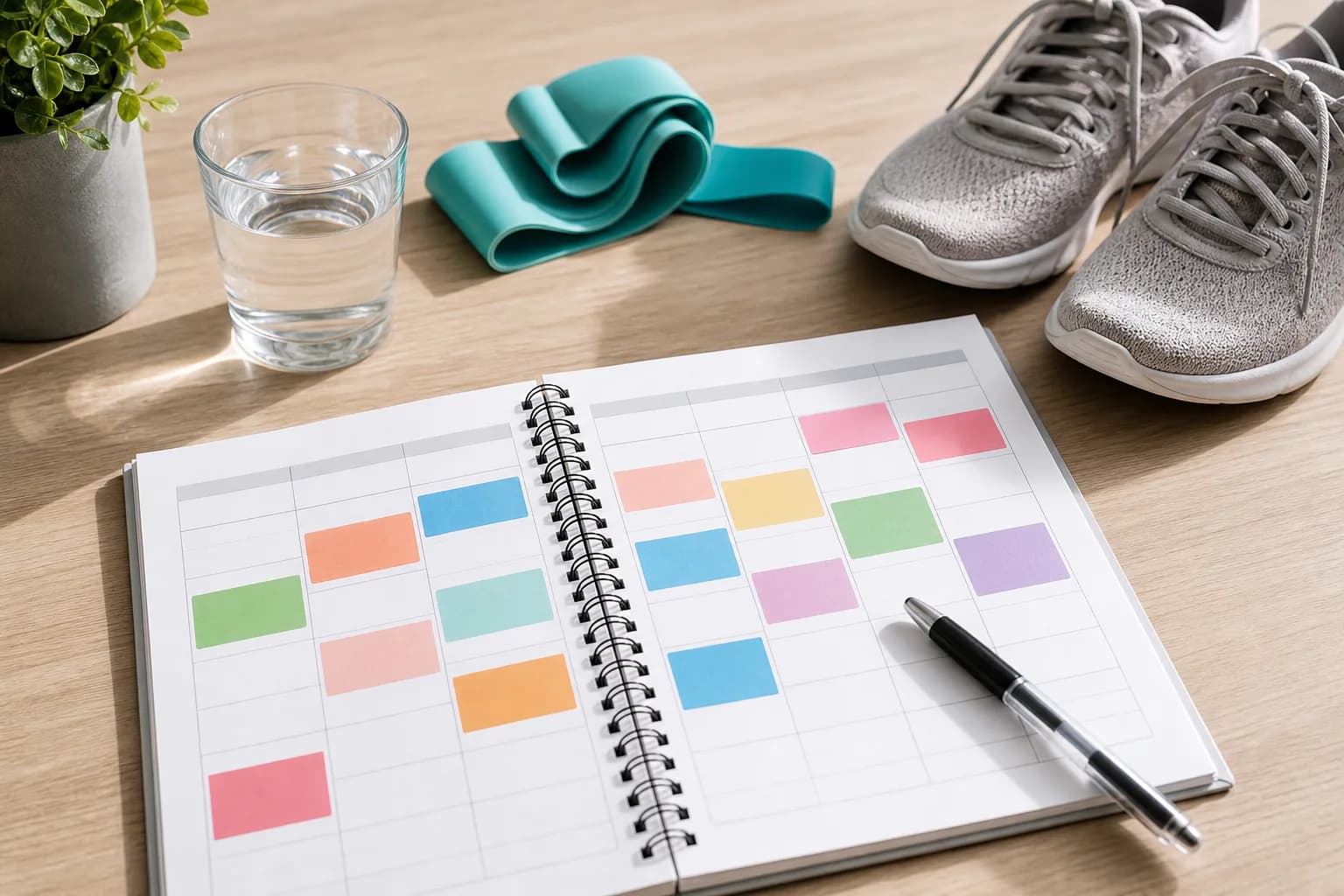
Every January for years I set up a tracker the same way: ten habits, a fresh notebook, enormous optimism. And every January it collapsed by about week two. The setup wasn't the problem — I could build a grid in five minutes. The problem was that I set it up for the person I wished I were, not the tired person who'd actually be filling it in on a Wednesday night.
So here's the whole thing in one breath: choose a format, pick two or three small habits, lay out a grid (habits as rows, days as columns), decide how you'll mark each day, give each habit a time, and put the tracker where you can't avoid it. Five minutes. The steps below are mostly about making it survive past week two.
Step 1: Choose your format
- Paper / printable — fastest to start. Grab the free printable habit tracker.
- Spreadsheet — automatic counting. Copy the Google Sheets template or build an Excel one.
- Notion — habits beside your notes. See the Notion guide.
- App — reminders and recovery features, like SelfSpark.
Pick the one you'll realistically open every day. The best format is the one with the least friction for you — not the one that looks best in a screenshot.
Step 2: Pick two or three habits
Resist the urge to track ten things. (I'm telling you because I was you.) Start with two or three small, specific habits tied to a goal — "10-minute walk", "read one page", "lights out by 11". For ideas, see habits to track. You can always add more once these feel automatic.
Step 3: Lay out the grid
The standard layout is habits as rows, days as columns. Number the days across the top (1–7 for a week, 1–31 for a month) and write one habit per row down the side. Leave a column at the end for a weekly total if you want to see completion rates.
Step 4: Decide how you'll mark it
Choose a simple key before you start:
- ✓ or filled box = completed
- / = partial (you did a smaller version)
- blank = missed
Keep that "partial" mark. It's the small thing that lets a 3-minute effort still count, which is what keeps momentum alive on a bad day.
Step 5: Give each habit a time (the step that actually matters)
A tracker works best when the habit has a when. Attach each habit to an existing anchor: "after coffee, I stretch", "after lunch, 10-minute walk". If you use an app, set a reminder for that moment.
This isn't just tidy advice — it's one of the most reliable findings in behaviour-change research. Peter Gollwitzer's work on implementation intentions (specific "when I'm in situation X, I'll do Y" plans) repeatedly roughly doubled follow-through versus the same goal with no plan. Deciding when you'll do the habit is most of the battle.
Step 6: Make it visible, and write the recovery plan now
Put paper trackers on the fridge or desk; put app widgets on your home screen. Then — before you need it — decide the smaller version of each habit for low-energy days (a 3-minute walk instead of 30). This is the step almost every setup skips, and it's exactly why most trackers get abandoned after the first missed day. Future-you, on a rough Wednesday, will be grateful you did this in advance.
SelfSpark builds this in: it's an adaptive habit tracker that suggests the smaller step automatically and keeps your progress visible after a miss. Take the habit fit quiz to set yours up, or read how to use a habit tracker next.
FAQ
How do I set up a habit tracker for the first time?
Choose a format, pick two or three small habits, draw a grid with habits as rows and days as columns, decide how you'll mark each day, attach each habit to a time, and put the tracker where you'll see it.
How do I add a time or schedule to a habit tracker?
Anchor each habit to an existing routine — "after coffee" or "after lunch" — and, if you use an app, set a reminder at that moment. Habits tied to a specific time get done far more often (it's the core finding behind implementation intentions).
How many habits should I start with?
Two or three. A crowded tracker is the most common reason setups fail. Add habits only once the first ones feel automatic.
Where should I put my habit tracker?
Somewhere you can't miss it — the fridge, your desk, or your phone's home screen. Visibility is what triggers the habit each day.
Bottom line
Setting up a habit tracker takes five minutes: format, a few small habits, a simple grid, a marking key, a time for each habit, and — the part everyone skips — a recovery plan written before you need it. For a setup that handles missed days automatically, try SelfSpark.
How to turn this guide into a habit plan
Read the article once for the idea, then choose one action small enough to do on a busy day. SelfSpark works best when a habit has a full version, a reduced version, and a recovery version. The full version is what you do on a normal day. The reduced version is the smallest useful action when energy is low. The recovery version is what gets you moving again after a missed day without treating the miss as failure.
If this article compares tools, use it to decide what support you need before you pick an app. If it explains a template or habit method, write down the exact trigger, the minimum action, and how you will restart after an interruption. A good habit system should make the next step obvious when you are tired, distracted, traveling, or already behind.
SelfSpark is designed around that kind of recovery-friendly tracking. The quiz helps you choose a first plan, the tracker keeps progress visible, and short journal notes help you learn why a habit slipped so the next plan can adapt instead of becoming another rigid streak.
For the next seven days, treat the habit as an experiment. Keep the target small, write down what made it easier or harder, and adjust the plan based on what actually happened. That feedback loop is usually more useful than a perfect schedule you only follow once.