Templates
Habit Tracker Planner — Free Printable Planner With Habit Tracking

Product and habit systems research
A habit tracker planner combines your daily or weekly plan with a habit grid, so habits live next to your tasks. Get a free printable and digital planner options.
A habit tracker planner combines a planner — your daily or weekly schedule and to-dos — with a habit-tracking grid, so your habits sit right next to your tasks instead of being forgotten in a separate app. Keeping them together is the secret: habits get done when they're part of your plan. Download a free printable below or use a digital planner.
Download the printable planner + tracker (PDF)
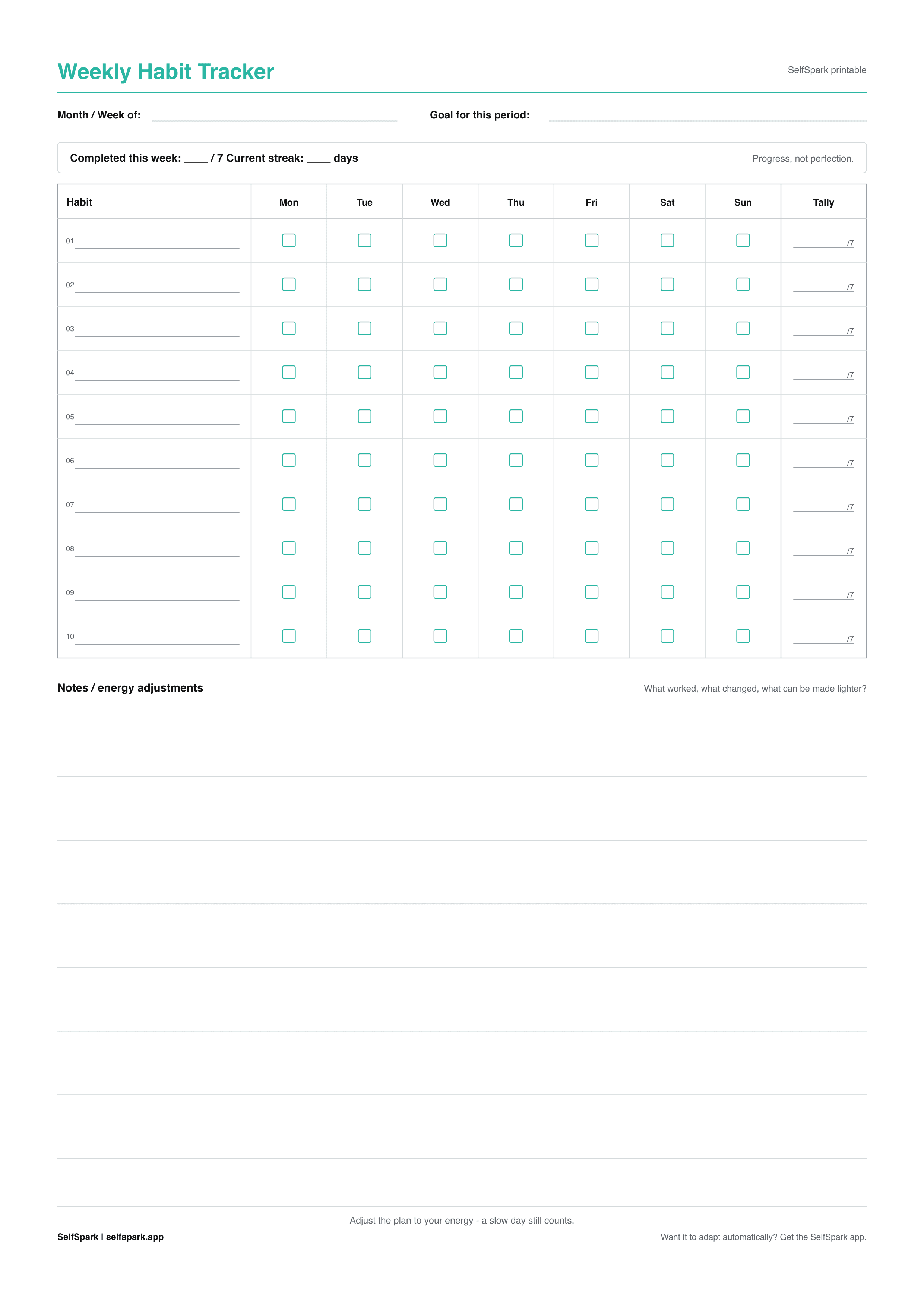
The weekly habit tracker layout doubles as a planner companion — a week of habits beside your week of tasks:
- Weekly planner tracker — A4, colour · A4, B&W
- Weekly planner tracker — US Letter, colour · Letter, B&W
For daily and monthly layouts, see the full printable habit tracker set.
Why put habits in your planner?
- Habits get scheduled. Next to your tasks, a habit gets a when — and scheduled habits get done.
- One place to look. No switching between a planner and a separate tracker app.
- Context. You see your habits against the day's real workload and adjust accordingly.
- Momentum. Ticking a habit alongside completed tasks reinforces both.
How to use a habit tracker planner
- Plan your day or week as usual — tasks, events, priorities.
- List your habits in the tracker section beside the plan.
- Anchor each habit to a moment — "after lunch, 10-minute walk."
- Tick habits as you go, right next to your tasks.
- Review weekly to see how habits fit (or clashed) with your schedule.
For what to track, see habits to track; for setup help, see how to set up a habit tracker.
Digital planner options
Prefer digital? Build a combined plan-and-track view in Notion, or add a tasks column to the Google Sheets template. For time-blocked planning, see best routine apps.
When your plan and your energy don't match
A paper planner assumes the day goes as planned. When energy or schedule collapse, the habit section becomes a row of blanks — and a planner can't right-size the habit for the day you actually had.
SelfSpark can: it's an adaptive habit tracker that suggests a smaller version of a habit on low-energy days and keeps progress visible after a miss, so your habits flex with your real days instead of failing the moment the plan slips. Take the habit fit quiz.
FAQ
What is a habit tracker planner?
It's a planner that combines your daily or weekly schedule with a habit-tracking grid, so your habits sit beside your tasks and get scheduled into your day rather than forgotten.
Is the printable habit tracker planner free?
Yes. The weekly planner-style PDFs above are free to download and print in A4 and US Letter, in colour or black & white.
Why track habits in a planner instead of a separate app?
Because habits get done when they're part of your plan. Keeping them next to your tasks gives each habit a specific time and keeps everything in one view.
What's the best planner layout for habit tracking?
A weekly layout works well, pairing a week of tasks with a week of habits on one page. Anchor each habit to a moment in the day so it actually gets done.
Bottom line
A habit tracker planner puts habits beside your tasks so they get scheduled and done. Download the free printable, and for habits that flex with your real days, try SelfSpark.
How to turn this guide into a habit plan
Read the article once for the idea, then choose one action small enough to do on a busy day. SelfSpark works best when a habit has a full version, a reduced version, and a recovery version. The full version is what you do on a normal day. The reduced version is the smallest useful action when energy is low. The recovery version is what gets you moving again after a missed day without treating the miss as failure.
If this article compares tools, use it to decide what support you need before you pick an app. If it explains a template or habit method, write down the exact trigger, the minimum action, and how you will restart after an interruption. A good habit system should make the next step obvious when you are tired, distracted, traveling, or already behind.
SelfSpark is designed around that kind of recovery-friendly tracking. The quiz helps you choose a first plan, the tracker keeps progress visible, and short journal notes help you learn why a habit slipped so the next plan can adapt instead of becoming another rigid streak.
For the next seven days, treat the habit as an experiment. Keep the target small, write down what made it easier or harder, and adjust the plan based on what actually happened. That feedback loop is usually more useful than a perfect schedule you only follow once.